
ISP Config 2 – Step by Step – Debian install
Ok this is really first tutorial in this series. Let’s start with install Debian linux. And prepare enviroment to install ISP Config.
ISP Config 2 – Step by Step – Debian install Read More »
Ok this is really first tutorial in this series. Let’s start with install Debian linux. And prepare enviroment to install ISP Config.
ISP Config 2 – Step by Step – Debian install Read More »

If you try open exe file from network drive you can face error: “We can’t verify who created this file”, is is because network drive is not recognized as the trusted network place. You can add this network place to trusted sites. Select “Start“, then type “Internet Options“. Open “Internet Options“. Select the “Security” tab. Select “Local intranet“,
Windows “We can’t verify who created this file” – SOLVED Read More »

Basic setup If you need setup entry and exit nodes for TOR it is quite easy. It is really useful when you developing websites or make penetration testing network firewall. navigate to your tor browser install directory open Browser folder open TorBrowser folder open Data folder open Tor folder open torrc file in your favorite text editor in torrc file insert these
TOR – setup entry and exit nodes – SOLVED Read More »
What is a problem? Images in email signatures are visible when composing messages in 2016, but not visible when composing messages or opening emails in the recipients’ inboxes. So I analyze delivered email source code. … <img width=”400″ height=”120″ id=”_x0000_i1025″ src=”file:///C:/davidstein.cz/signatureimage.png” name=”_x0000_i1025″></span> … So the image is linked but not embedded. So it can not be
Outlook 2013/2016 embeded image in signature Read More »
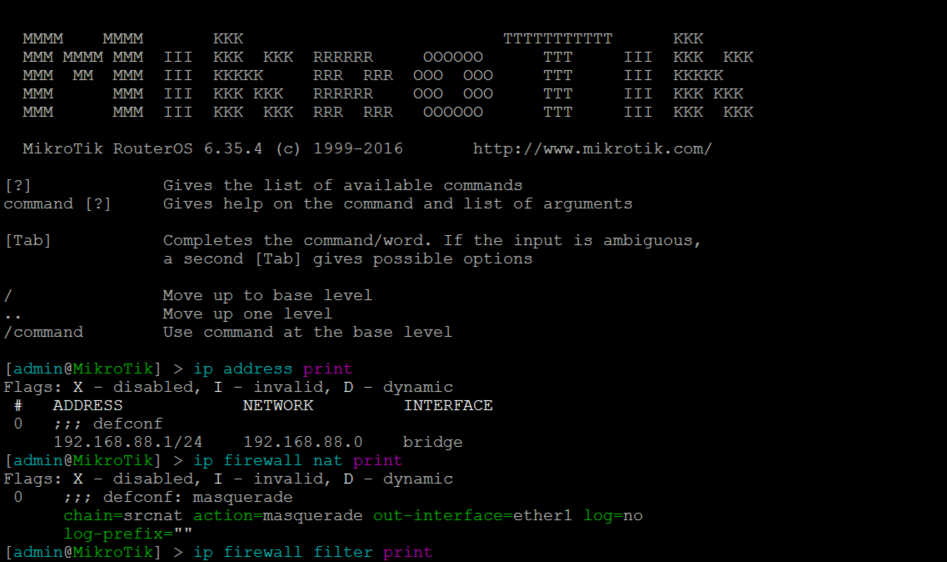
Its long time ago but MikroTik removed P2P matcher from mangle rule, so now you have to use L7 analyze to mangle this traffic. Here is code to paste to the terminal: /ip firewall layer7-protocol add name=P2Pmatch regexp=”^(\\x13bittorrent protocol|azver\\x01\$|get /scrape\\\ \?info_hash=get /announce\\\?info_hash=|get /client/bitcomet/|GET /data\\\?f\ id=)|d1:ad2:id20:|\\x08’7P\\)[RP]” /ip firewall mangle add action=mark-connection chain=prerouting layer7-protocol=P2Pmatch \ new-connection-mark=P2Pconnection passthrough=yes
Mikrotik P2P mangle rule – SOLVED Read More »
Sometimes if you make changes to your local DNS server windows do not works ok to resolve this DNS record in a local network. What? nslookup ykylo Server: Address: 192.168.50.1 Name: ykylo Address: 192.168.50.100 C:\> ping ykylo Ping request could not find host wolfman. Please check the name and try again. C:\> ping 192.168.50.100 Pinging 192.168.50.100
Ping unable to resolve but nslookup works fine – workaround Read More »
Hi, sometime if you have set up an active directory with multiple sites you just do not want to wait until timeout to automatic sync AD to all sites. If you need it right now, log to the server from what you want to distribute active directory stuff. And run the command from the command
Force sync Active Directory to other AD Sites Windows Server – SOLVED Read More »
Hi, in last days Microsoft removed old classic wizard to add new email in outlook and replaced it with simplified 365 wizard what is really horrible and you can set up anything 🙁 So there is manual how to recover old good wizard. close outlook open regedit ( winkey + r – type “regedit” –
Recovery old account/mailbox wizard Outlook 16/365 – SOLVED Read More »
@echo off SET VPN_NAME=”<VPN NAME>” :: Connecting to VPN… rasdial %VPN_NAME% <USER> <PASS> timeout 5 echo Running RDP… “<RDP FILE>.rdp” echo Finished – disconnecting from VPN… rasdial %VPN_NAME% /disconnect
Auto connect VPN before RDP Read More »
Best order to create CAPsMAN Manager station Channels Datapaths Security Configuration Provisioning Interface->Manager->Enable Client station Wireless->Interface->CAP
Mikrotik CAPsMAN config cheatsheet Read More »